- Amazon
- Flipkart
- Meesho
- Amazon Seller FlexNew
- Shipping Label GeneratorShipping LabelNew
- IndiaMart CRM
- Other tools
- Price
- Login

29-09-2026 · PDF Cropper
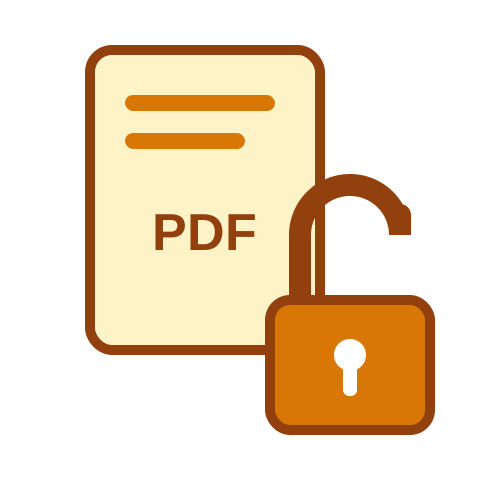
Typing the same password every time you open a statement gets tiring fast, and some apps and upload portals refuse locked files completely. If the document is yours and you know the password, you can remove it once and for all. This guide explains how to remove password from a PDF file quickly and for free with the Unlock PDF tool.
Banks, card companies, employers and tax portals send documents locked for your safety. Once they are safely on your own device, the password mostly gets in the way. Removing it lets you open files instantly, merge statements into one file, compress them or upload them to a loan, visa or rental application. Always keep unlocked copies on your own device, because anyone can read them.
Choose the locked file from your computer or phone.
The tool tells you whether the PDF needs a password.
Type the password you use to open it.
Click Unlock PDF.
The unlocked copy downloads automatically and opens without a password.
If the password is wrong, you'll see a clear message and can try again.
Some PDFs open without a password but won't let you print, copy text or fill in fields. These have restrictions set with a separate owner password. Upload such a file and the tool tells you it opens without a password; click Unlock PDF and the restrictions are removed, with no password needed. This is useful for forms and circulars you need to print.
The password format is almost always explained in the email or SMS that came with the file. Bank statements often use part of your name with your date or year of birth, card statements may add digits of your card number, and payslips often use your PAN or employee ID. Passwords are case-sensitive, so type capital letters exactly as described.
The Unlock PDF tool removes a password you already know. It does not guess, crack or bypass passwords on files you can't open. This keeps the tool safe and legal to use: it is meant for your own documents and files you have permission to open.
Unlocked documents are sensitive, so the tool never keeps a copy. Your file is processed and deleted straight away, and the password is never stored or logged. The unlocked PDF is sent back to your browser only.
Store the unlocked copy in a private folder on your device, not in shared drives or chats. If you need to send it to someone, consider locking it again with a new password using Lock PDF, and share that password separately. To join several unlocked statements into one file, use Merge PDF.
Check capital letters, spaces and the date format (DDMM or DDMMYYYY).
Make sure you opened the downloaded unlocked copy, not the original.
The tool handles PDFs up to 50 MB; compress bigger files first.
Now you know how to remove password from PDF files online in a few seconds: upload, enter the password once and download an open copy. The free PDF password remover keeps nothing on the server, so you can remove PDF password protection from your own documents safely and quickly.
Many people unlock documents in batches, for example all twelve monthly statements at the end of the financial year for tax filing. Unlock each file, check that it opens without a password, then combine them in date order so you have one tidy record. This makes it much easier to share documents with your accountant or upload them to the income tax portal. Remember to keep the batch in a private folder, and lock the combined file again if you need to email it. With a clear routine, tax season paperwork becomes much faster and less stressful.
Last Updated: 23-09-2026