
24-09-2026 · PDF Cropper
On busy days, the order you print labels in decides how fast you pack. The Amazon Seller Flex label crop tool has options that turn one upload into a ready-to-pack stack.
Labels and their invoices are sorted by SKU, so identical products come together. Pick each product once and pack the whole group.
A running order number is printed on every label, starting from any number you choose, making it easy to count boxes and spot a missing one.
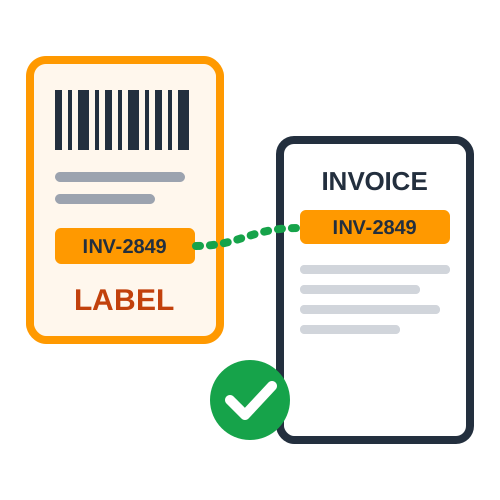
No thermal printer? Put four labels on each A4 sheet. When invoices are included, they follow in the same sequence, so each label still sits next to its invoice.
A summary page lists SKUs, quantities and orders - print it first and use it as your picking list.
Sort by SKU, number the orders and print the summary. The Seller Flex label crop tool turns a pile of labels into an organised packing workflow.
Last Updated: 23-09-2026













