
20-09-2026 · PDF Cropper
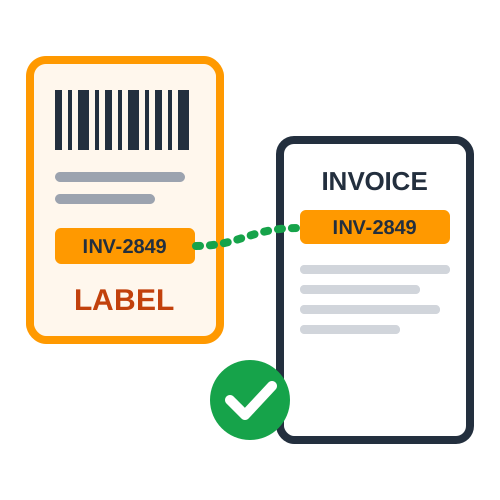
On Amazon Seller Flex, labels and invoices are downloaded separately, and the invoice PDF is rarely in the same order as the labels. The Amazon Seller Flex label crop tool pairs them for you.
The tool reads the invoice number printed on each label and finds the same invoice number in the invoice PDF. Multi-page invoices stay together, so an order with a long invoice is never split.
Upload the label PDF or ZPL file, or paste ZPL code.
Upload the invoice PDF - or a single PDF that already has both.
4 × 6 inch thermal, A4, or the original sizes.
Every label is followed by its matching invoice.
Labels or invoices without a partner are listed in a report and added at the end of the PDF, so nothing is lost and you can see exactly what is missing.
Matching by invoice number removes the most common Seller Flex packing mistake. Upload both files to the Seller Flex label crop tool and print them already paired.
Last Updated: 23-09-2026













